
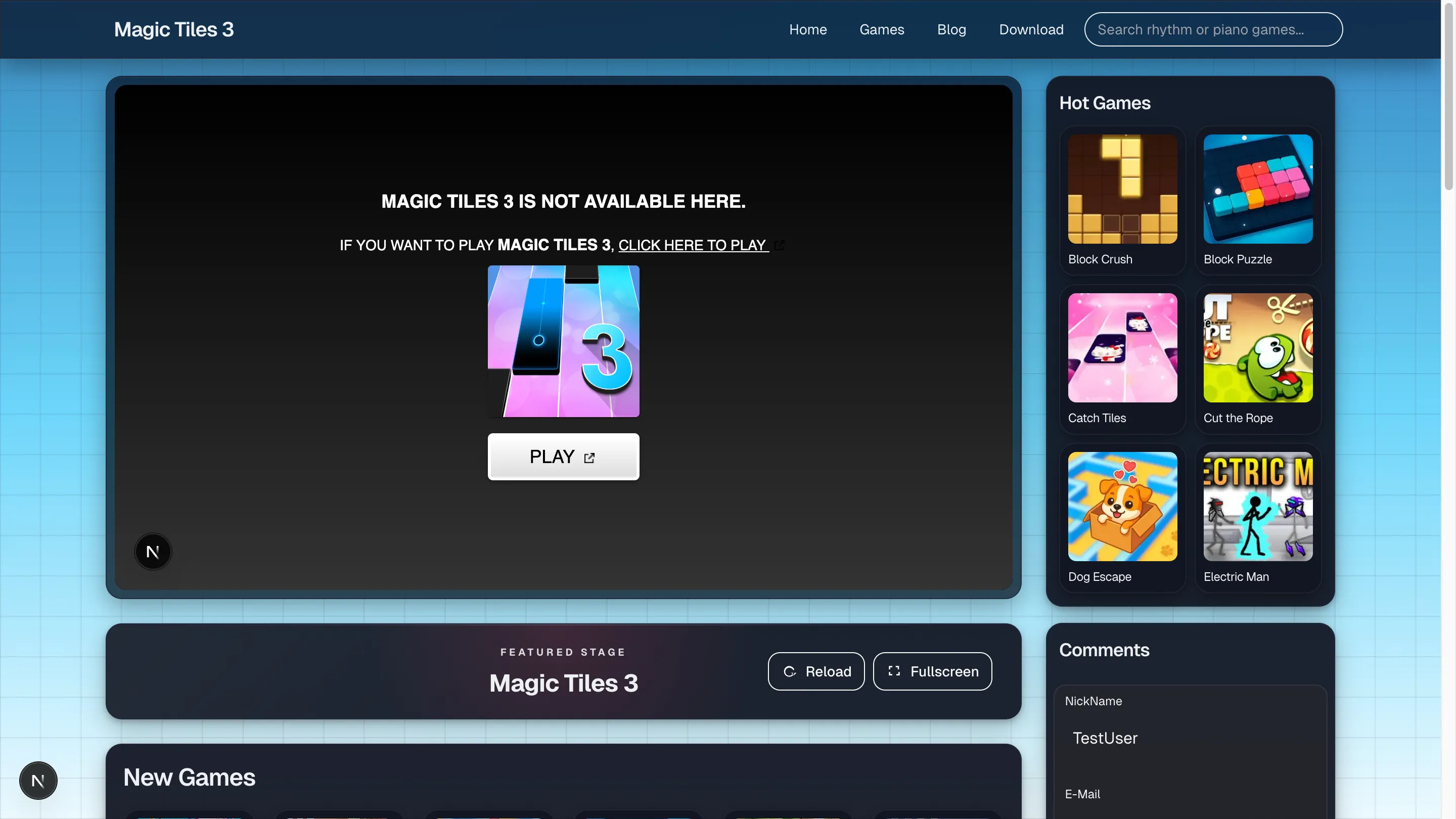
If a run feels unfair, the first thing I check now is setup, not talent. That is why magic tiles settings deserve a practical guide instead of generic advice. On October 27, 2025, I compared the current desktop route, the direct frame, and a narrow mobile viewport, and the lesson was immediate: the same rhythm task feels completely different depending on screen fit, hand travel, and how much clutter sits around the player.
Good settings do not make you amazing. They remove excuses. That is often enough.
Magic tiles settings: start with the screen, not the score
My first pass is always visual:
- Is the lane area large enough?
- Are side panels distracting me?
- Does the board sit at a comfortable height for my eyes?
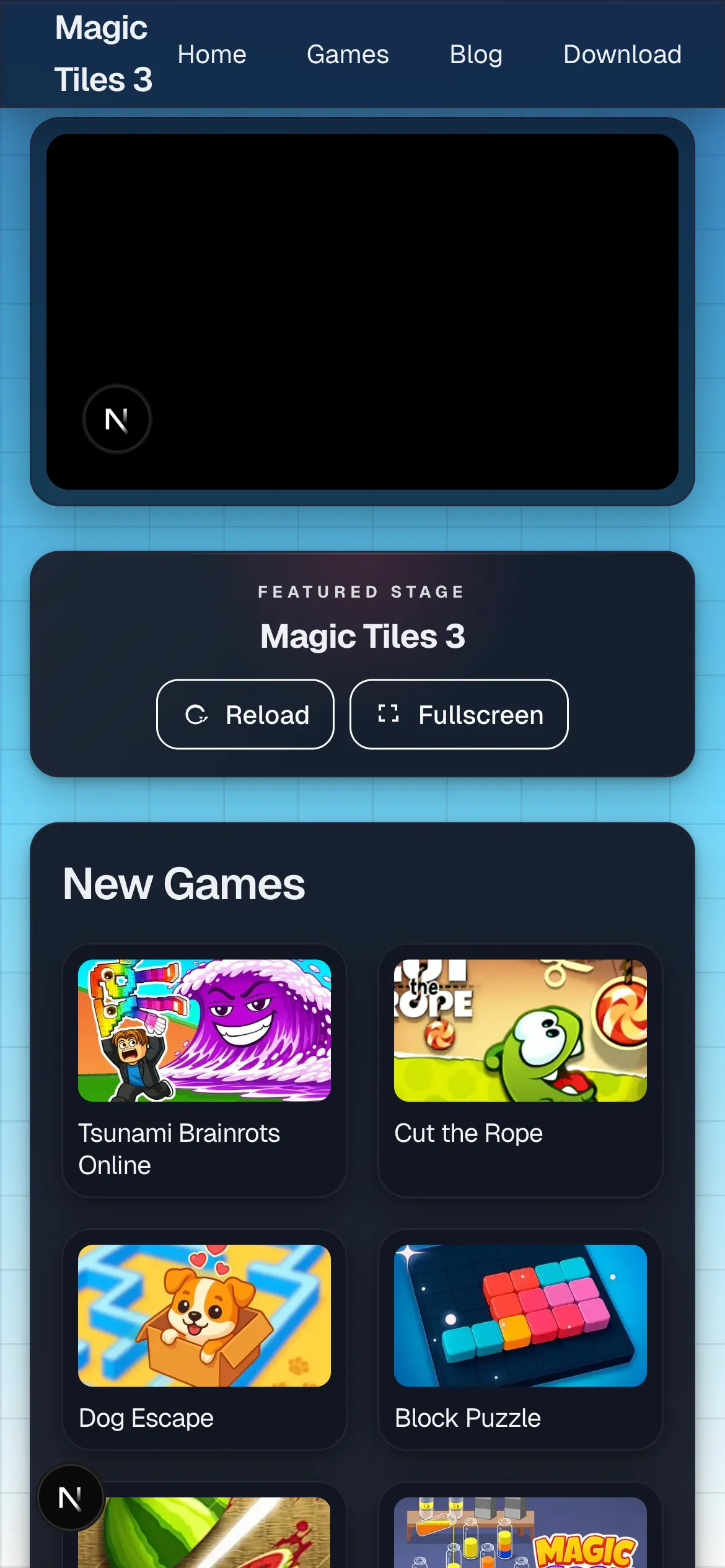
On desktop, the wider shell looked good but asked me to stay disciplined about focus. On mobile, the stacked layout reduced side noise but made hand placement and screen grip more important.
The three changes that matter most
1. Lock one input style
Do not bounce between touch, trackpad, and keyboard in the same learning phase. Pick one, stick to it long enough to notice patterns, and only then compare.
2. Keep the audio path stable
Even without perfect latency numbers, you can feel when switching outputs makes timing inconsistent. One headset or one speaker path per session is the cleaner rule.
3. Build a repeatable visual frame
Fullscreen when you need it. Close side clutter when it pulls your eyes away. Keep the device angle and seat height stable.
A simple test protocol
- Use one board or one easy song.
- Play three short runs with the current setup.
- Change one variable only.
- Repeat the same test.
- Keep the version that feels easier to read, not just the version that gives one lucky score.
The setting mistake I see most often
Players often change everything on the same day. New audio path, new key mapping, new posture, new device. At that point, the result means nothing.
One change at a time sounds slow, but it is the only way to know what actually helped.

My Take — desktop versus mobile
The clearest difference I felt was not raw delay. It was comfort. On desktop, I had better visual breathing room but much more surrounding clutter, especially with the shell, side content, and the extra launch steps all competing for attention before the first real tap. On the phone-sized layout, the board felt more immediate, but mistakes arrived faster if my thumbs drifted or the grip got tense after a few restarts.
The best setting change I made was boring: I kept one layout long enough to trust it. I ran the same short checks on the desktop shell, the direct frame with the ad requirement, and the narrow mobile view, and the misses only started making sense once I stopped changing input style, posture, and framing every few runs. One stable setup gave me useful feedback. Constant tinkering only gave me noise.
So if you only change one thing today, change the visual frame first and leave everything else alone for a week. That is the most reliable magic tiles settings lesson I pulled from the October 27 tests. When the frame stayed consistent for several runs, I could finally tell whether the problem was timing, posture, or just impatience.