The easiest answer to How Do You Play Magic Tiles 3? is still the right one: tap the playable tiles in rhythm, keep your eyes near the landing zone, and do not turn a short miss into a panicked mash. What changed for me after testing the current browser flow on July 14, 2025 was how much the start experience shapes that advice.
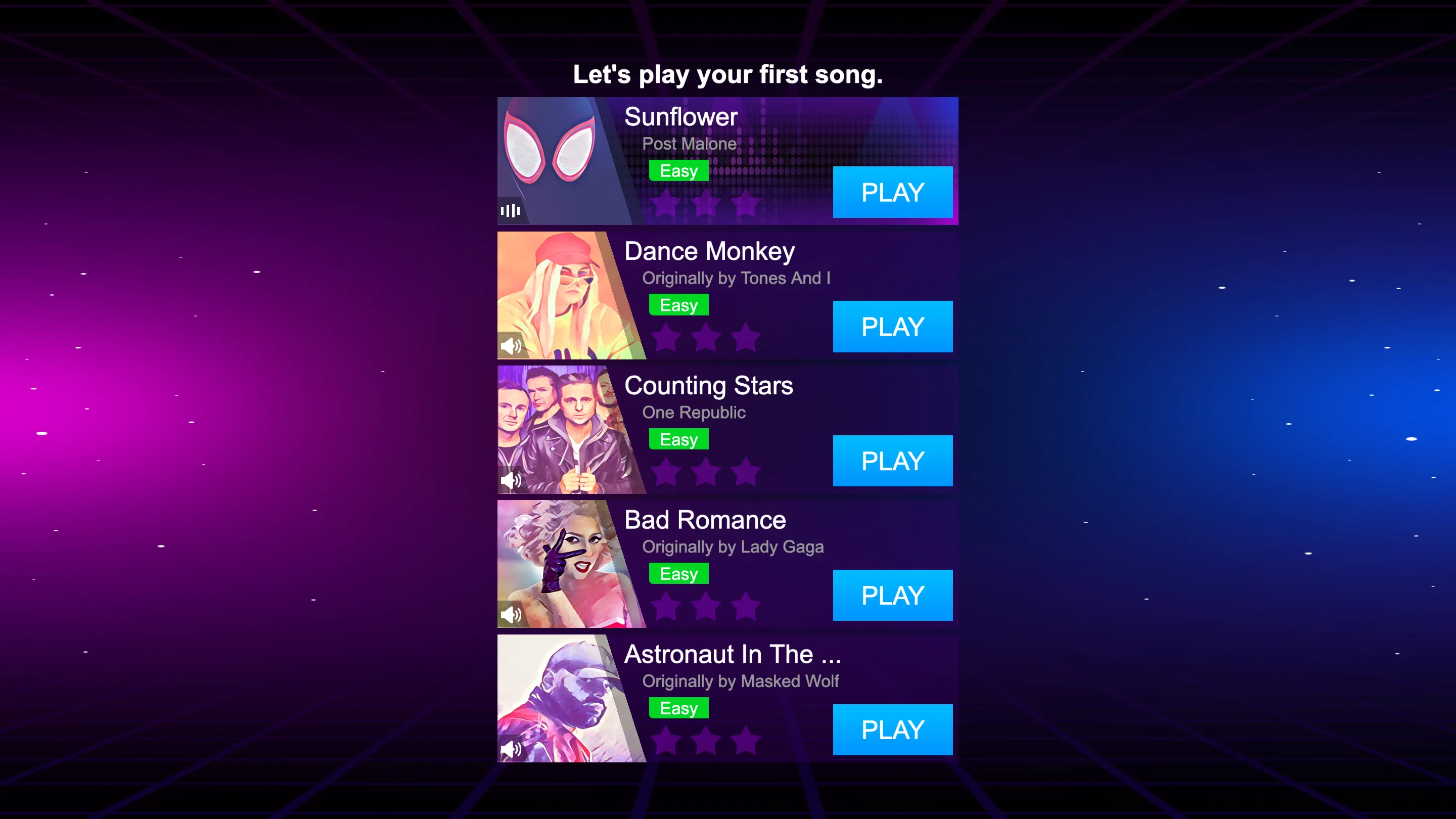
The site route first showed an external handoff, then the direct frame opened a proper song list. That meant the first real lesson was not "go faster." It was "choose a calm song and let the game show you its pace."
How do you play Magic Tiles 3? Start with the first playable song
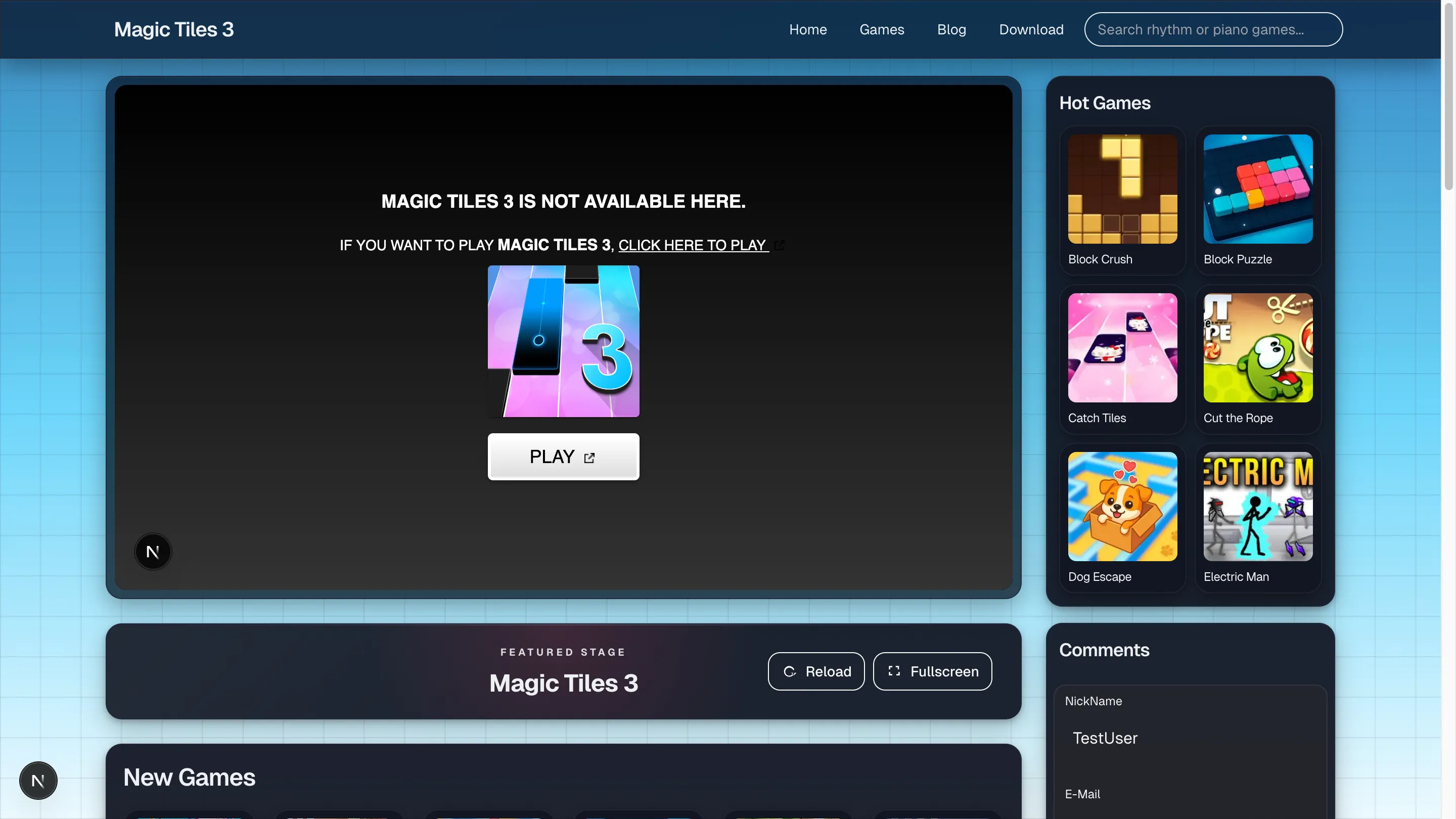
The direct frame I tested opened on a beginner-friendly song list with tracks like Sunflower, Dance Monkey, and Counting Stars. That is a better starting point than a random hard chart because it lets you lock onto timing before the game asks for speed.
The three rules that matter most
- Watch low.
- Tap lightly.
- Keep the session calmer than the music makes it look.
The graphics may feel flashy, but the mechanics still reward quiet hands more than dramatic force.
What the browser flow taught me
Magic Tiles 3 feels broader than a simple black-tile drill. Song choice, loading flow, and presentation all add a little more mood before the actual rhythm test begins. If you enjoy that, great. If you only want raw reps, it can feel slower to start than a classic board.
What a new player should do next
- warm up on one easy song
- keep the same track for a few attempts
- note where the first miss appears
- stop before the hands get stiff
The note types that usually matter
Most versions still revolve around quick taps, longer holds, and occasional movement notes. The mistake pattern is usually the same across all of them: you rush the visual read before the hand is ready.
A simple browser-first learning loop
Play one easy song, repeat it, and only move on when the timing starts to feel predictable. The goal is not to "beat the game" in one sitting. The goal is to make the next attempt calmer than the last one.
My Take — tested in browser on July 14, 2025
What stood out most was how different the game feels before and after the song list appears. The site route first made me deal with an external handoff, then the direct frame asked for an ad-gated launch, and only after that did I reach a usable starter list. Once the list appeared, the experience simplified immediately. Tracks like Sunflower and Dance Monkey were exactly the kind of calm openers a beginner needs.
I also liked that the song menu encouraged deliberate starts. Instead of dropping me into a random board, it asked me to choose something manageable, repeat it, and notice where the first miss appeared. The most common beginner mistake in my own checks was tapping too hard as soon as the visual effects got louder. Lighter taps and a lower eye line made the board feel much less chaotic.
So my practical answer to How Do You Play Magic Tiles 3? is straightforward: start on one easy song, repeat it until the timing feels predictable, and let the lane rhythm settle before you chase variety. The browser flow looks louder than the core mechanic really is, so new players benefit most from treating it like a quiet repetition drill.